Loading...
What goes in, what comes out.
A PDF, a photo of a notebook page, the calendar on the fridge, a coach's roster - each one becomes calendar events you can add to Google Calendar, Apple Calendar or Outlook. Here is what that looks like.
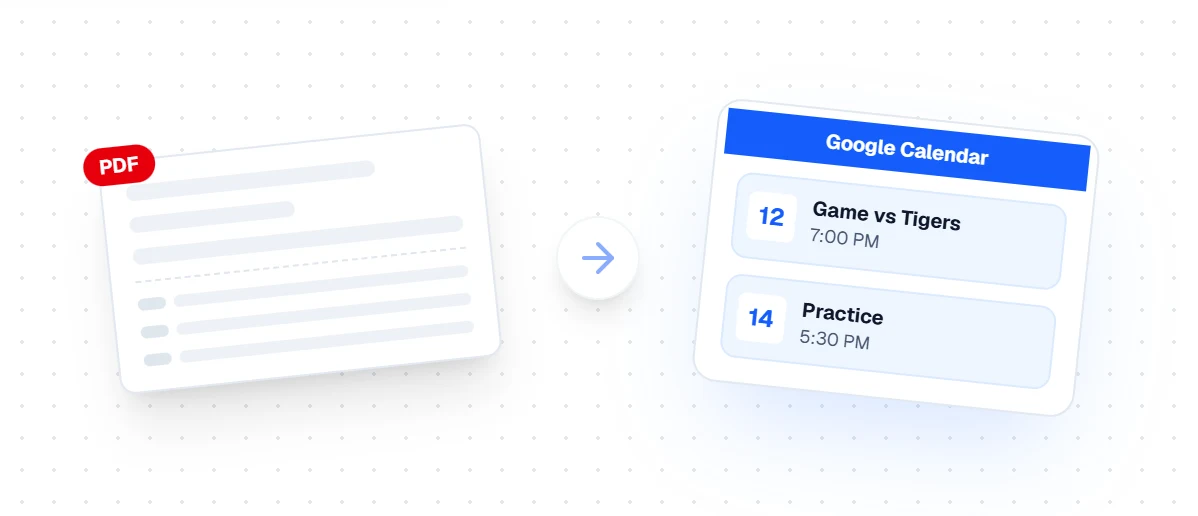
PDF schedule to Google Calendar
A PDF schedule goes in; dated, timed calendar events come out.
PDF to calendar →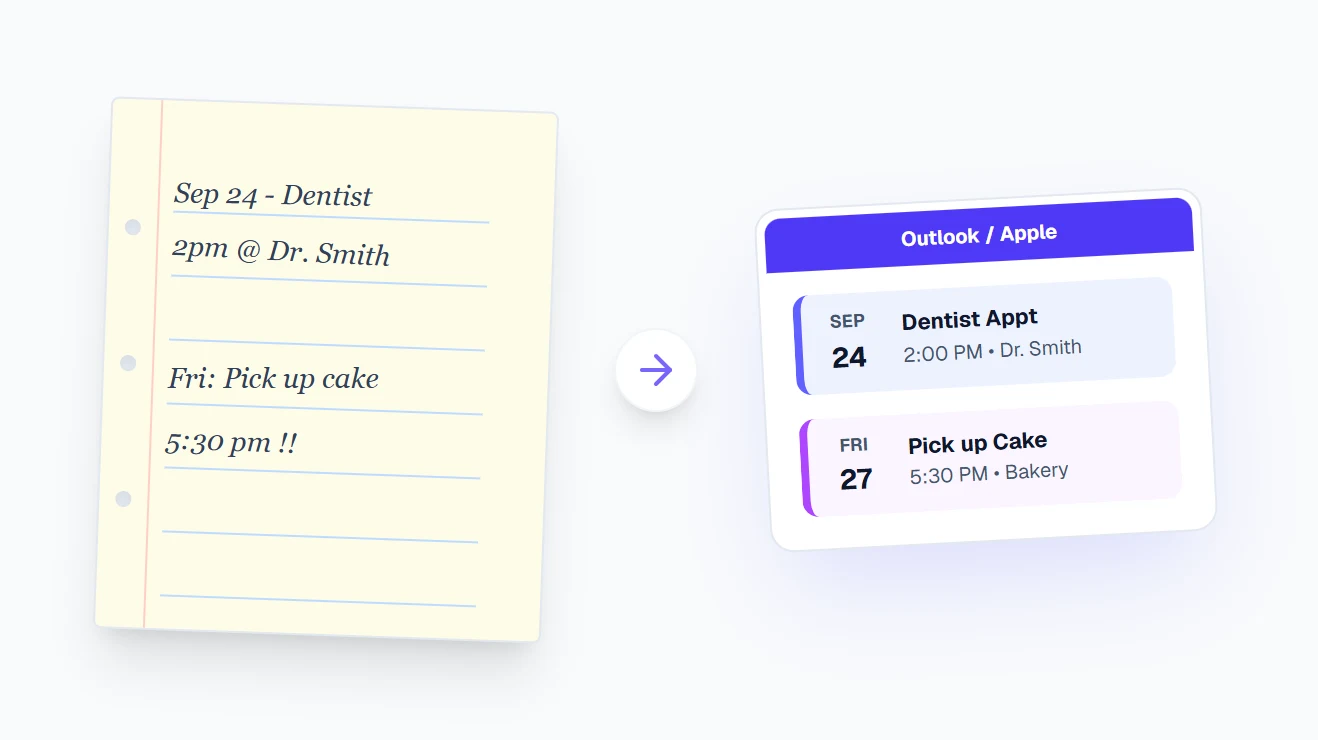
Handwritten notes to calendar events
Handwriting is read too - a photo of a notebook page or a sticky note becomes events.
Image to calendar →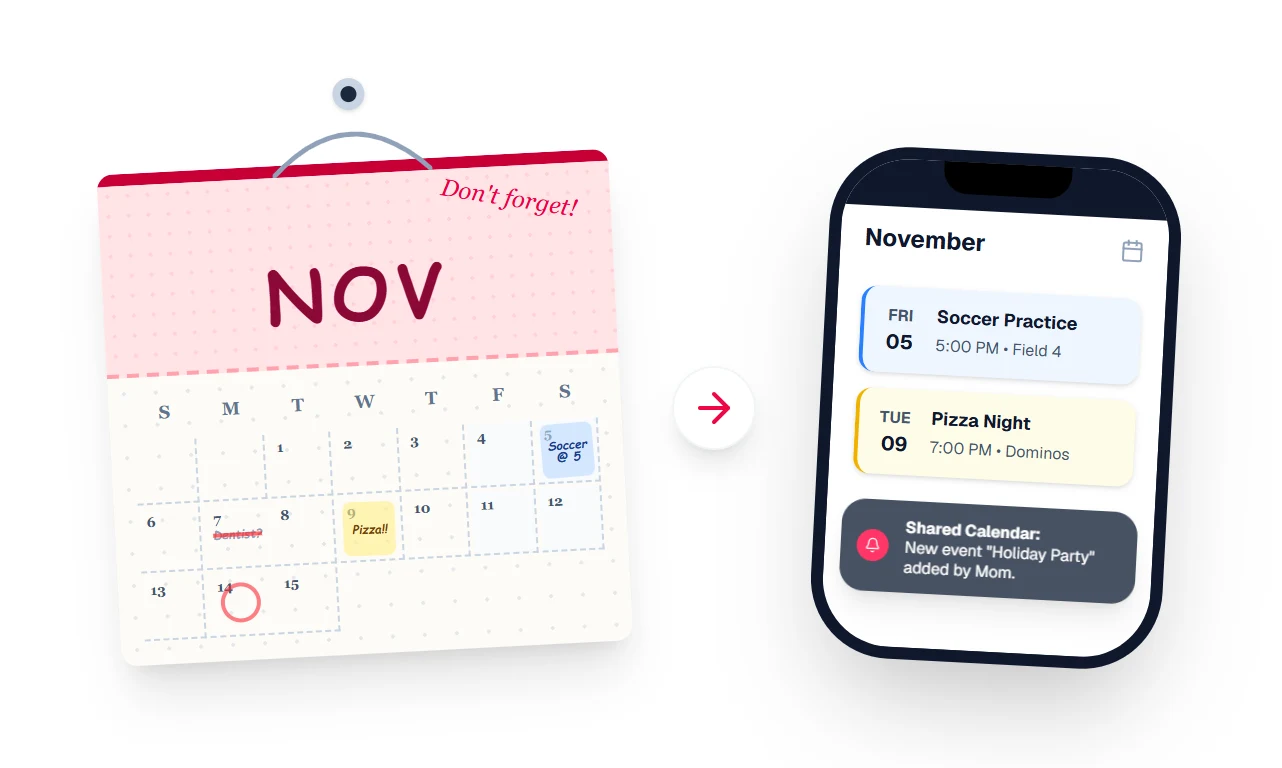
Wall calendar photo to a shared phone calendar
Snap the family wall calendar and every event lands in a shared calendar on everyone's phone.
Image to calendar →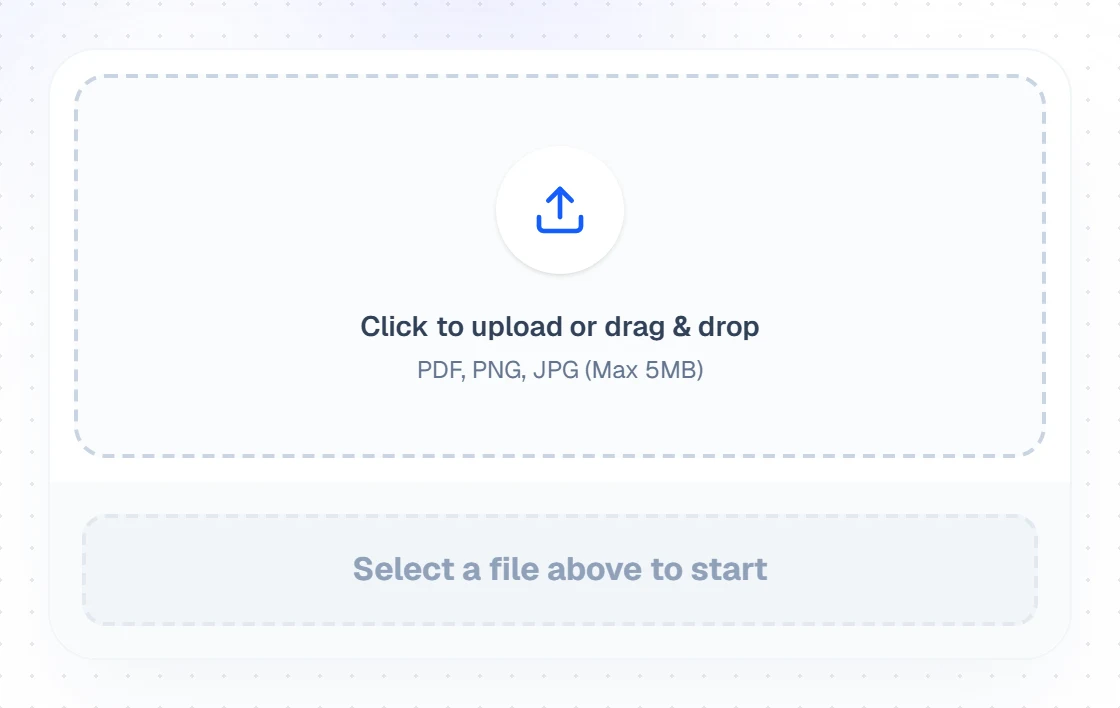
The upload box
Step one is just a file. PDF, PNG, JPG or WebP, up to 5MB.
How it works →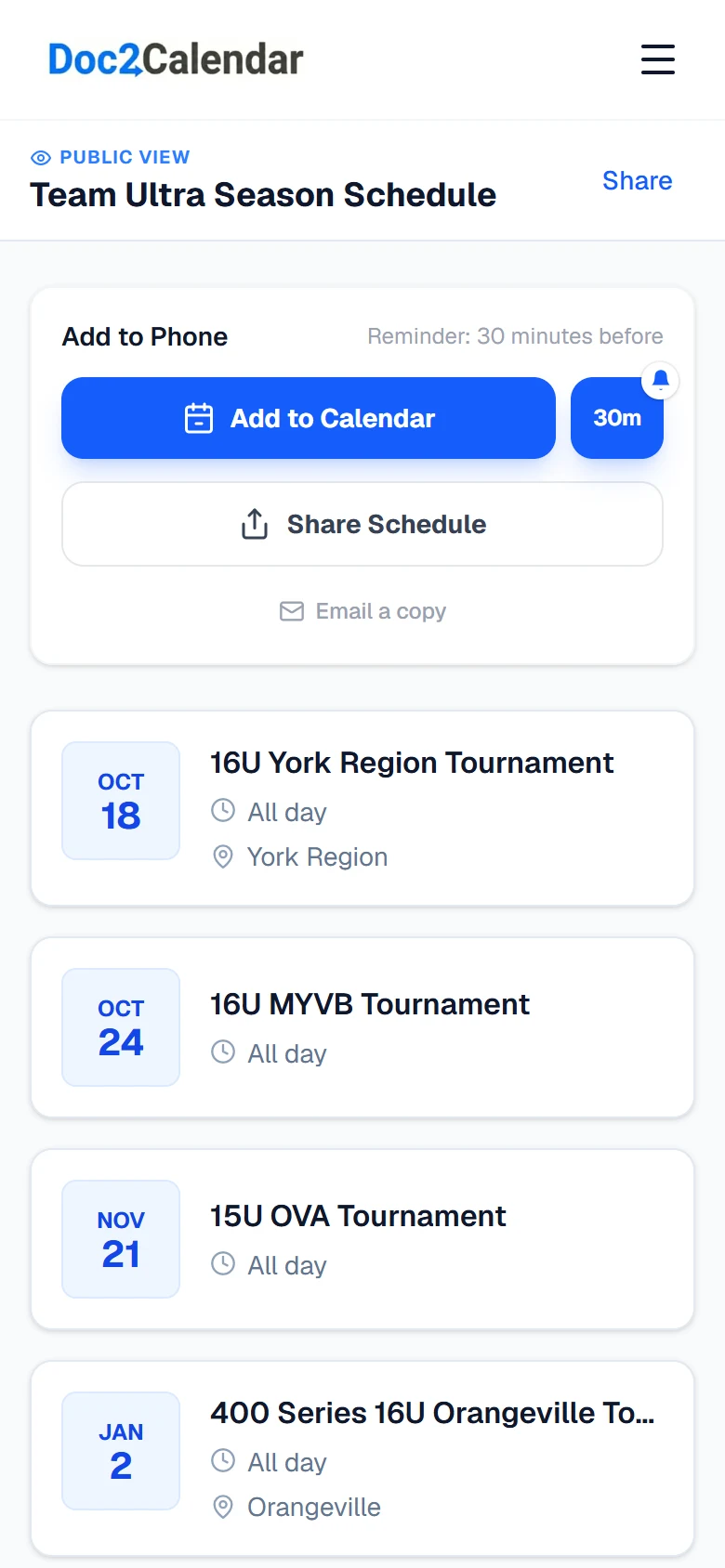
The finished schedule on an iPhone
What a converted schedule looks like: review every event, then add it to your phone.
How it works →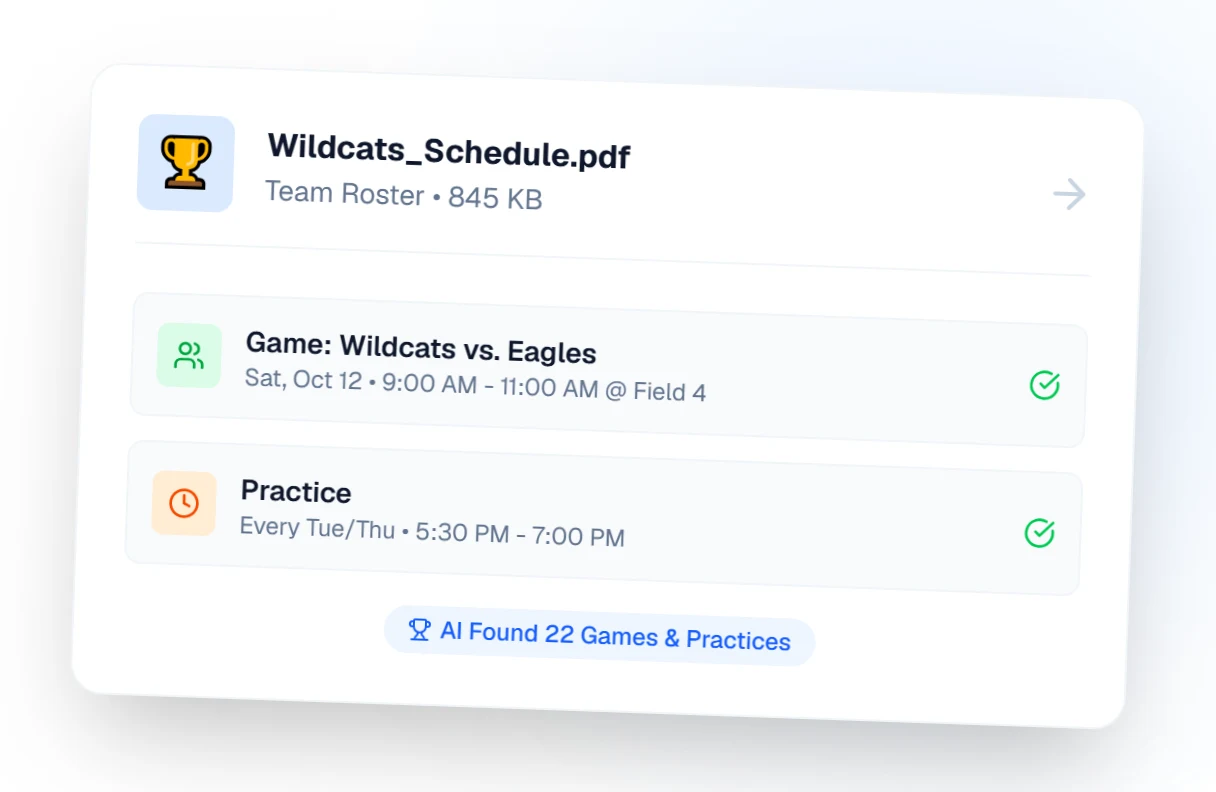
Sports schedule extraction
A team roster PDF becomes games and repeating practices.
Sports schedules →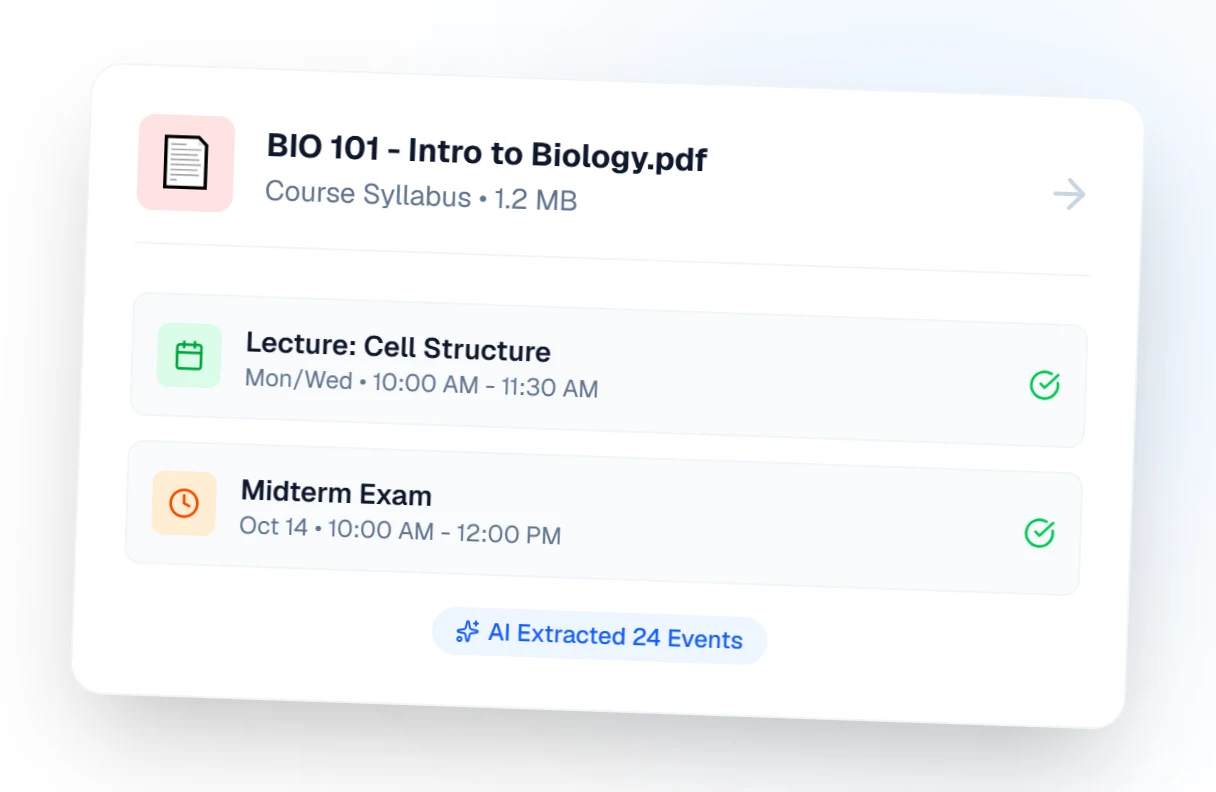
Class schedule extraction
A syllabus becomes recurring lectures plus exam and deadline dates.
Class schedules →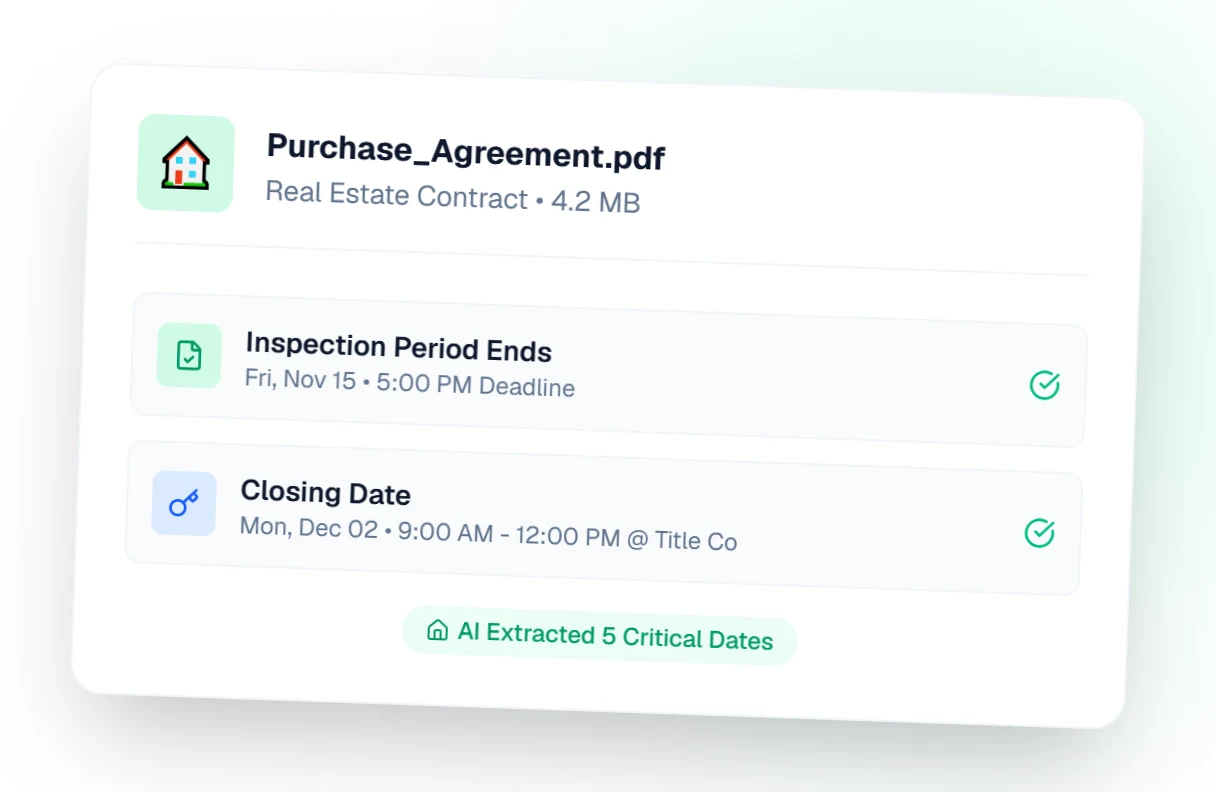
Real estate closing dates
Contract dates - inspection, financing, closing - become reminders you cannot miss.
Real estate closings →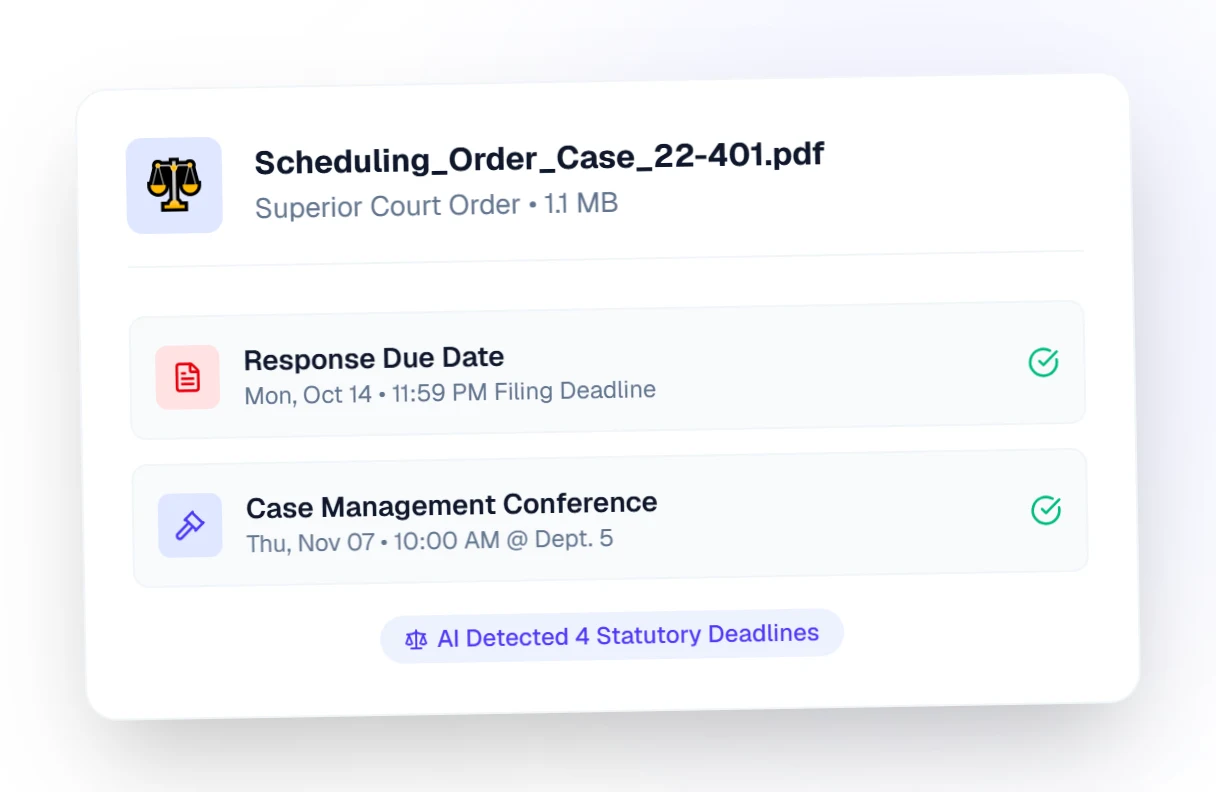
Legal docket extraction
Court dates and filing deadlines pulled straight from the docket.
Legal dockets →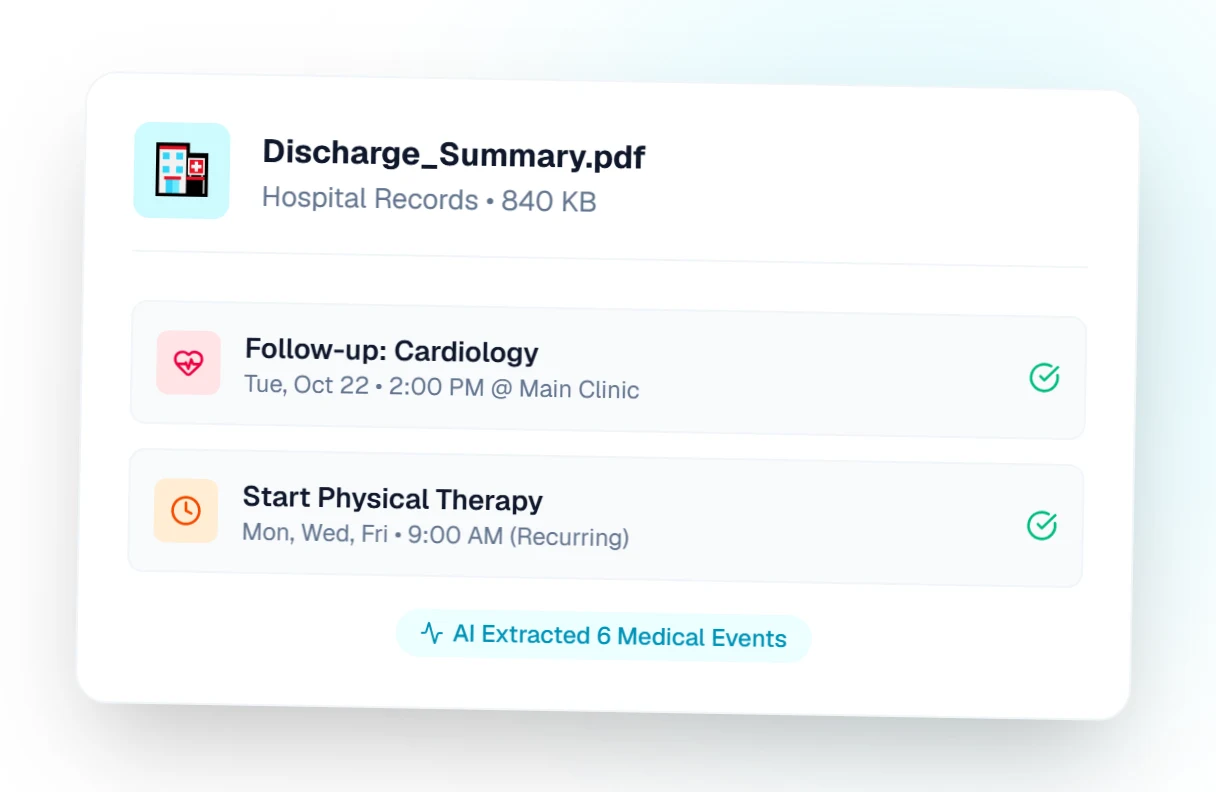
Medication schedule extraction
A medication plan becomes timed reminders and follow-up appointments.
Medication schedules →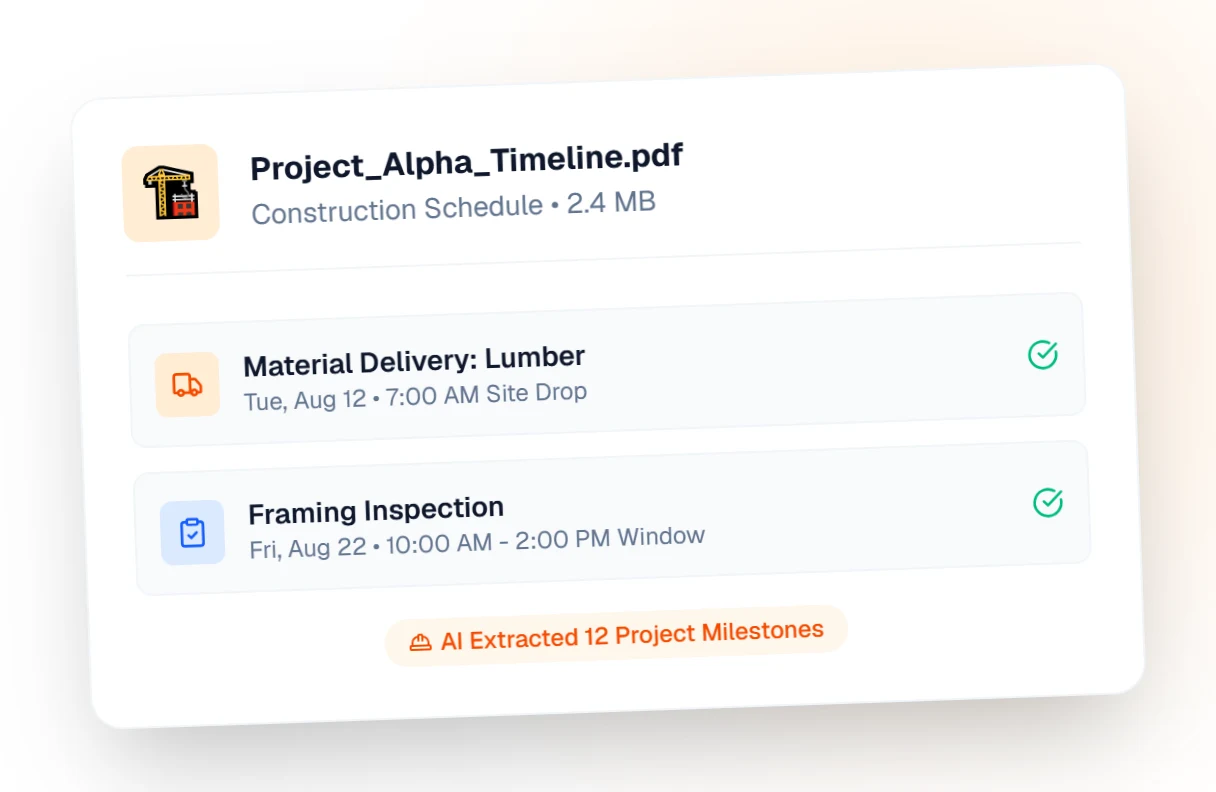
Construction timeline extraction
Project milestones and inspections from a timeline document.
Construction timelines →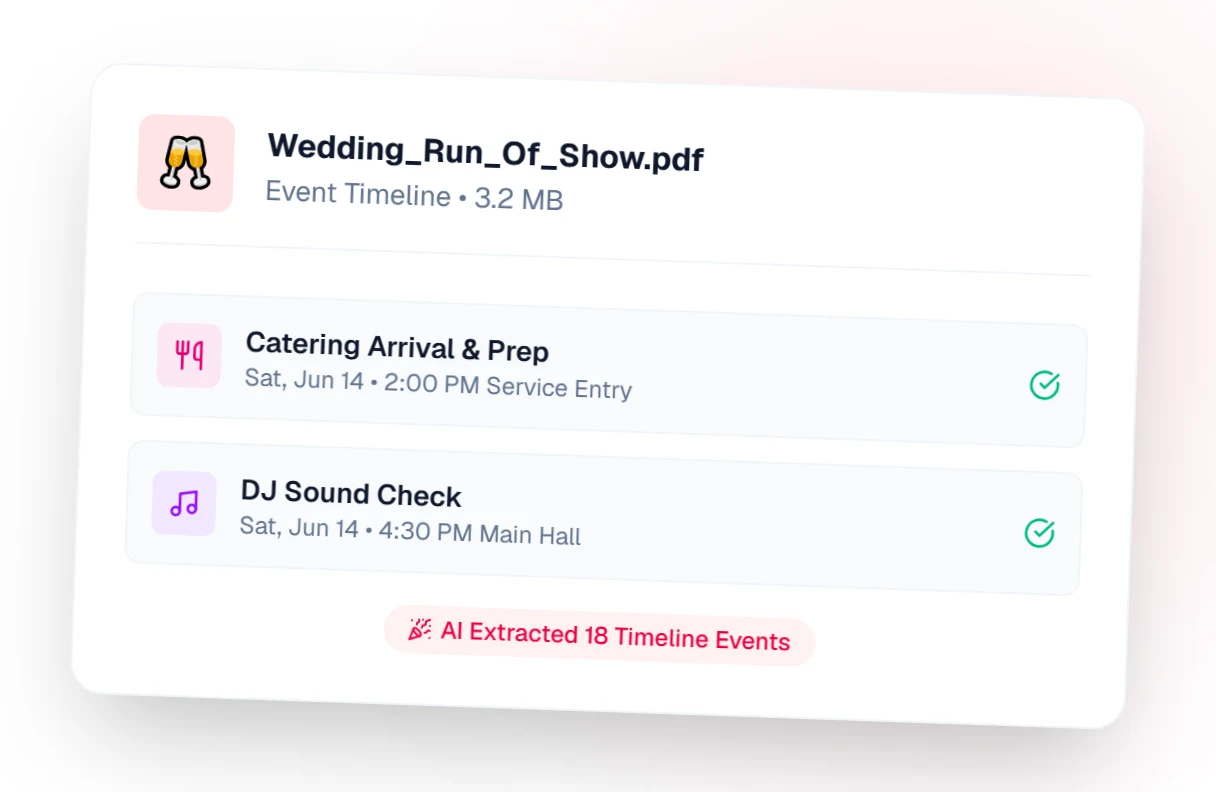
Wedding run-of-show extraction
A run of show becomes a timed calendar for the whole wedding party.
Event schedules →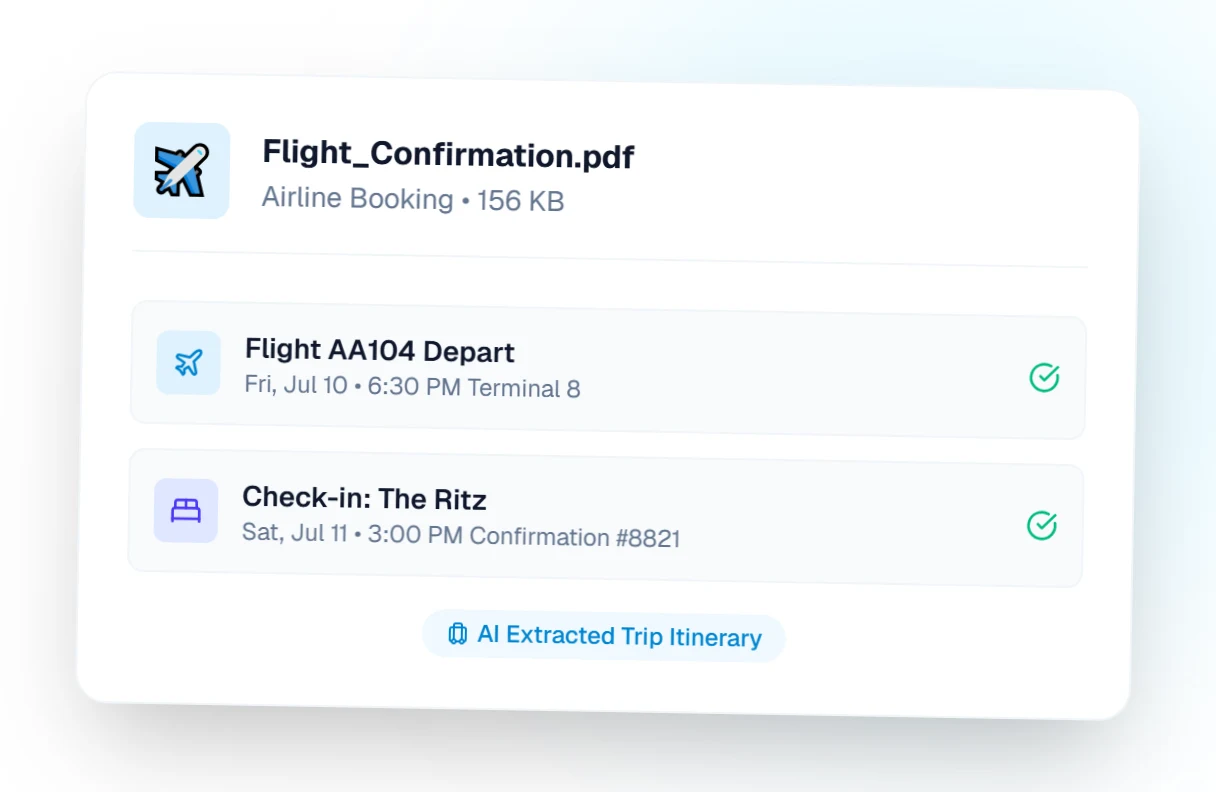
Travel itinerary extraction
Flights, hotels and check-in times from a confirmation email or PDF.
Travel itineraries →
Conference agenda extraction
A conference agenda becomes sessions you can share with the whole team.
Conference schedules →